Skip to content

Free · No sign-up · Runs in your browser

Free online tools that get the job done in seconds.

Make a QR code, find hashtags for your next video, write a better AI prompt or check what a currency conversion will really cost. Each Techtruthin tool does one job properly, and explains how to get the best result.

  • Private by design Tools run in your browser, so what you type stays on your device.
  • No sign-up, no limits Open a tool and use it straight away, as often as you like.
  • Nothing expires QR codes and results you make here keep working. No trials, no watermarks.
  • A guide with every tool Plain-English tips next to each result, so you get it right first time.

Popular tools

Pick a tool, enter your details and get a result straight away. Each one comes with a short guide and answers to the questions people ask most.

Browse all tools →

QR Code Generator

Turn a link, Wi-Fi network or contact card into a QR code. Download as PNG or SVG. Codes never expire.

Open tool (QR Code Generator)

WhatsApp Link Generator

Make a wa.me chat link with a ready-typed message, plus a QR code customers can scan.

Open tool (WhatsApp Link Generator)

UTM Builder

Add Google Analytics campaign tags to any link, check them for common mistakes and get a trackable QR code.

Open tool (UTM Builder)

Google Review Link & QR Code

Turn your Google review link into a QR code, a printable card and ready-to-send messages that follow Google's rules.

Open tool (Google Review Link & QR Code)

Wi-Fi QR Code Generator

Let guests join your Wi-Fi with one scan, and print a ready-made "Scan to connect" sign.

Open tool (Wi-Fi QR Code Generator)

YouTube Hashtag Generator

Get relevant hashtags for your video or Short, with a checker for YouTube's hashtag rules.

Open tool (YouTube Hashtag Generator)

YouTube Monetization Checker

See if your channel meets YouTube Partner Program rules today and under the new rules from 1 February 2027.

Open tool (YouTube Monetization Checker)

YouTube Timestamp & Chapter Generator

Turn rough notes into YouTube chapters that follow the rules, plus links that open a video at any moment.

Open tool (YouTube Timestamp & Chapter Generator)

Latest guides

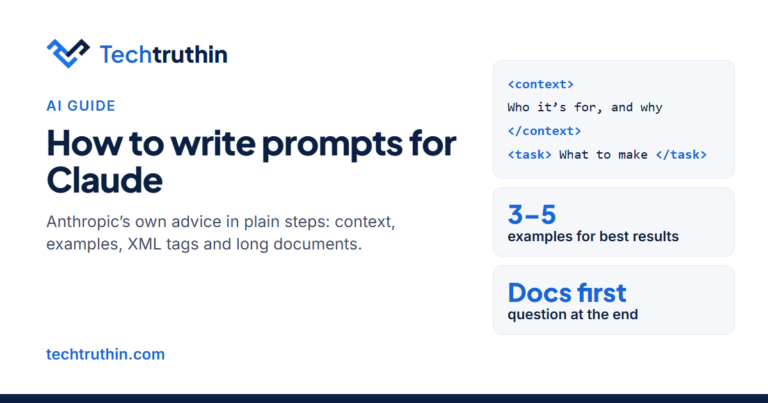
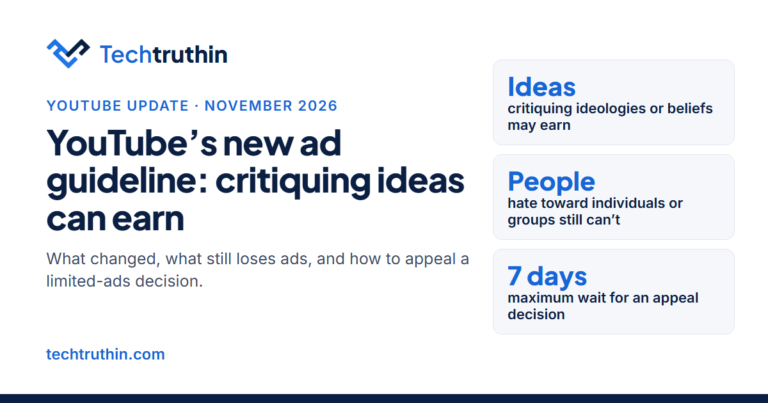
Step-by-step answers for YouTube, WhatsApp, LinkedIn, QR codes and SEO, each checked against the platform’s own help pages.

Browse all guides →

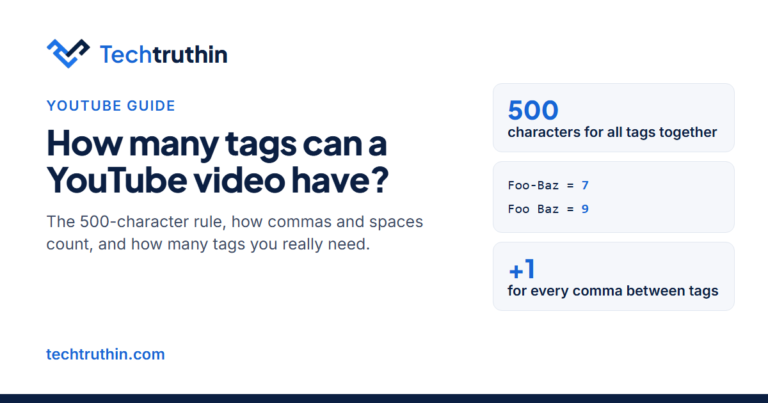
Techtruthin guide card: YouTube tags share a 500-character limit, Foo-Baz counts 7 and Foo Baz counts 9, plus 1 for each comma

How Many Tags Can You Put on a YouTube Video?

YouTube limits tags to 500 characters for the whole list, and commas and spaces cost extra. Here is how the count works, how many tags fit and how many you need.

How it works

  1. Pick a toolBrowse by task or category. Every tool opens instantly, on desktop or phone.
  2. Enter your detailsType a link, an amount or a topic. Sensible defaults mean you rarely need to change settings.
  3. Copy, download, doneGet your result in a click, with quick tips to make sure it works wherever you use it.

Tech · Truth · Insight

Small tools, honest answers.

Many “free” tool sites bury the tool under pop-ups, push you to sign up, or hand you a QR code that stops working when a trial ends. We do the opposite. Every Techtruthin tool loads fast, works on your phone and tells you plainly what it can and can’t do.

When a result needs context, such as why your bank’s exchange rate differs from the reference rate, we explain it right next to the tool, so you can make the decision yourself.

Read our story →

Tech

Tools built to be fast and reliable on any device, including older phones and slow connections.

Truth

Clear limits, named data sources and no exaggerated promises.

Insight

Guides that explain the “why”, so you get better results next time too.

Questions people ask

Are the tools really free?

Yes. Every tool on Techtruthin is free to use, with no sign-up and no daily limit. The site may show ads to cover its costs, and ads never sit on top of a tool or its result.

Do you store what I type into a tool?

No. Our tools run inside your browser, so the links, text or Wi-Fi details you enter are processed on your own device and are not sent to our servers. Our Privacy Policy explains the details.

Can I use the results for my business?

Yes. QR codes, hashtags, prompts and other results you create are yours to use on menus, flyers, packaging, videos, client work or anything else. There is no watermark and no credit required.

Will my QR codes stop working one day?

No. Our QR codes are static: the link or details are stored inside the code itself, so there is no trial or subscription that can switch them off. A code only stops working if the page it points to is taken down.

Which tool are you building next?

We build what people ask for most. Use the “Suggest a tool” button below to tell us what you need, and we will add it to the list.

Need a tool we don’t have yet?

Tell us what you’re trying to do. The most-requested tools get built next.